Mortgage transfer guide

Was your mortgage recently transferred to Truist? Welcome. We’re glad you’re here.

Mortgage transfers are common, and in most cases you don’t need to take any immediate action. We'll guide you through the transition and keep you informed along the way.

Transfer process: what to expect

Important note:
It typically takes about one week after your transfer date before you can access and manage your mortgage account online or by phone. No action is needed from you during this time.

We’ll email you when your account is ready, if your prior servicer had an email address on file for you. Use the instructions in your welcome email once your account is ready.

15 days before transfer

You’ll receive a goodbye letter by mail or email from your prior mortgage servicer. If you have paperless billing with your prior servicer, check your online portal.

Official transfer date

Your mortgage will officially move to Truist on this date. We’ll email you important information about your account and what to expect next.

Account ready date

Once your account is ready, usually about a week after the transfer date, you’ll be able to access your mortgage account online and by phone and enroll in online banking. We’ll send a welcome email with additional information.

Within 15 days of the transfer

Truist will mail you a welcome letter.

A few things to know about your mortgage transfer

Your terms stay the same.

Mortgage transfers are common. They don’t affect your original interest rate, loan terms, or existing mortgage agreement.

Escrow transfers with you.

Your escrow balance and any taxes and insurance paid through escrow will transfer with your loan.

Your first bill will be mailed.

Your first Truist billing statement is typically mailed by the 20th of the month following your transfer.

Understanding payments during your transfer

While payments for transferred loans are still due on their scheduled due date, Truist will not charge a late fee during the 60 days after the transfer date.

Additionally, your account won't be reported as delinquent to credit reporting agencies for 90 days following the transfer.

Already sent a payment to your prior servicer?

No action is needed. Payments sent to your prior servicer before the transfer date will automatically be forwarded to Truist.

Payment due during the transfer?

Late fees are not assessed during the first 60 days following a transfer. Once your account is ready, you’ll be able to make payments online or by phone.

Have automatic payments set up?

We’ll notify you by email and mail if your existing recurring payments will continue after your transfer. Your first recurring payment may draft as late as the 10th of the month. Regular draft dates will resume with your next monthly payment.

Paying through your bank’s bill pay service?

After the transfer is complete, update your payee instructions to Truist and include your Truist mortgage account number.

Want to pay by mail?

If mailing a check, include your Truist mortgage account number. Mail payments to:

Truist Bank
P.O. Box 79041
Baltimore, MD 21279-0041

Get started with Truist online banking.

Enroll in Truist online banking to make payments, track account activity, view statements, and stay connected to your mortgage account.


Most clients can enroll in online banking about one week after their transfer date, once their account is ready.

To make enrollment easier, have these items ready:

Your goodbye letter from prior servicer or Truist welcome letter

These contain important account information, including your new Truist mortgage account number.

Your Truist mortgage account number

Your new 10-digit Truist mortgage account number.

Your verification details

The last four digits of your Social Security number and ZIP code you had on file with your prior servicer.
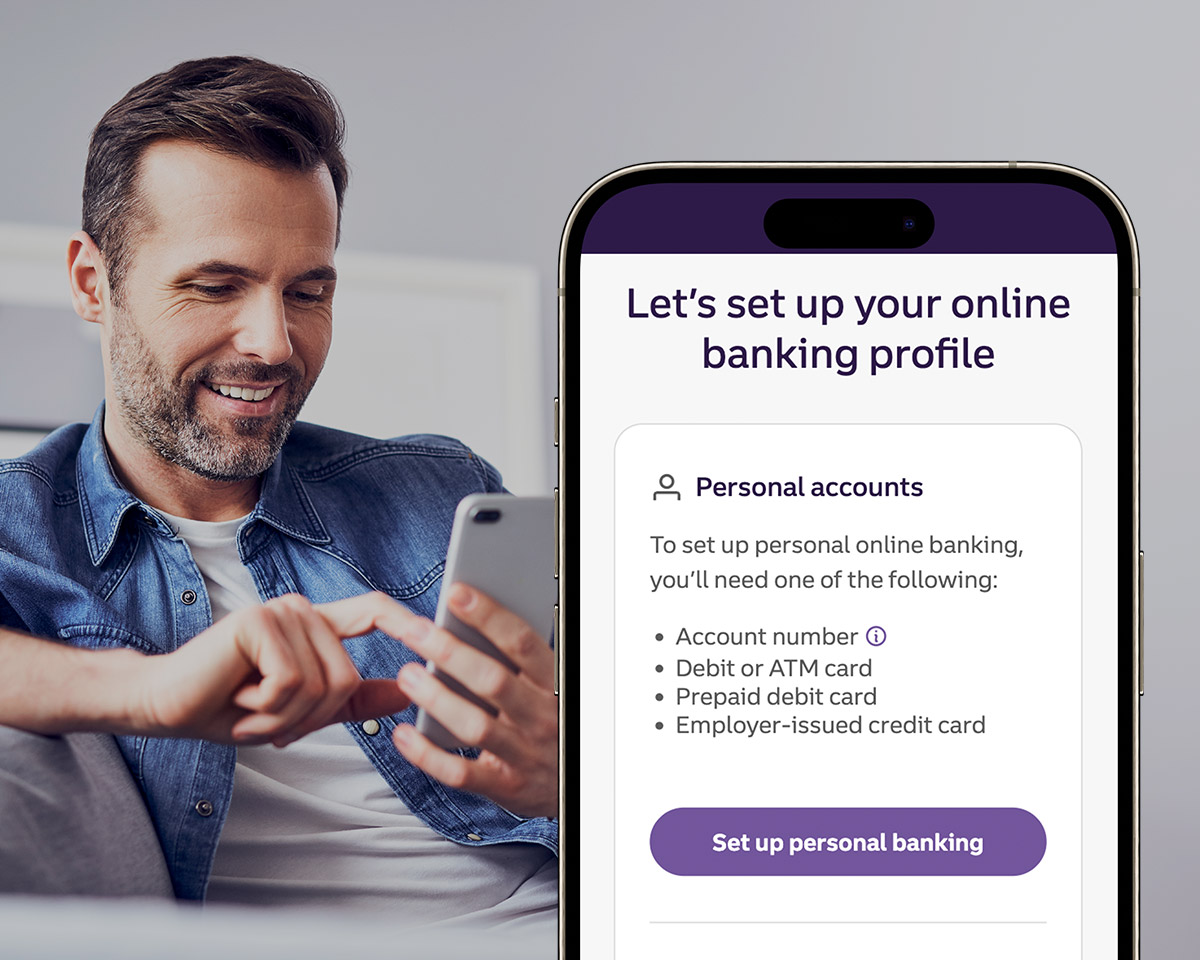
Set up your online account.

Component ID : "accordionGridLayout-1149742032"
Model : "faq"
Position : "left"

Important note: You do not need to open a deposit account to enroll in online banking.

To enroll in online banking:

  1. Download our mobile app or visit Truist.com/signup.
  2. Under Personal accounts, select Set up personal banking.
  3. Select Account number and enter your 10-digit Truist mortgage account number.
  4. Enter the last four digits of your Social Security number.
  5. Enter the same ZIP code you used with your previous servicer, and select Continue.

If you haven't paid this month's payment already, you can pay online or set up recurring automatic payments at Truist.com/MyHomePayment. Recurring payments are a convenient way to manage your mortgage. You can enroll in one of the two recurring payment options available at Truist:

  • Monthly recurring drafts: You can set these up during your grace period (typically from the 1st to the 16th for payments due on the 1st). You may add extra funds toward your principal with these drafts, but additional escrow payments must be made as one-time payments.
  • Bi-weekly recurring drafts: This option drafts half of your payment every two weeks. Depending on timing, you might need to contact us directly if you are unable to set up bi-weekly payments online at Truist.com/MyHomePayment.

Please allow up to 15 days after your loan transfer to view and verify your tax and insurance information online.

  1. Sign in to online banking.
  2. Select your mortgage account number.
  3. Open Account details.
  4. Select View additional details.

If you notice any discrepancies, contact the appropriate team below and have supporting documents available. 

Insurance: Call 866-515-2139, Monday through Friday from 8 am to 8 pm ET and Saturday from 9 am to 3 pm ET.  You can also access and update your policy details through MyCoverageInfo.com/Truist.

Taxes: Call 855-728-6903, Monday through Friday from 8 am to 8 pm ET.

If you do not have an escrow account: You are responsible for making property tax and insurance premium payments on time. If these payments are not made, and a delinquency or lapse occurs, it may be considered a default under your mortgage loan terms and an escrow account may be required.

Meet the Truist Mobile App Your bank in your pocket.

Deposit checksDisclosure 1, move money, get email or text alertsDisclosure 2, and view your recent transactions - all in one app, designed with security in mind.
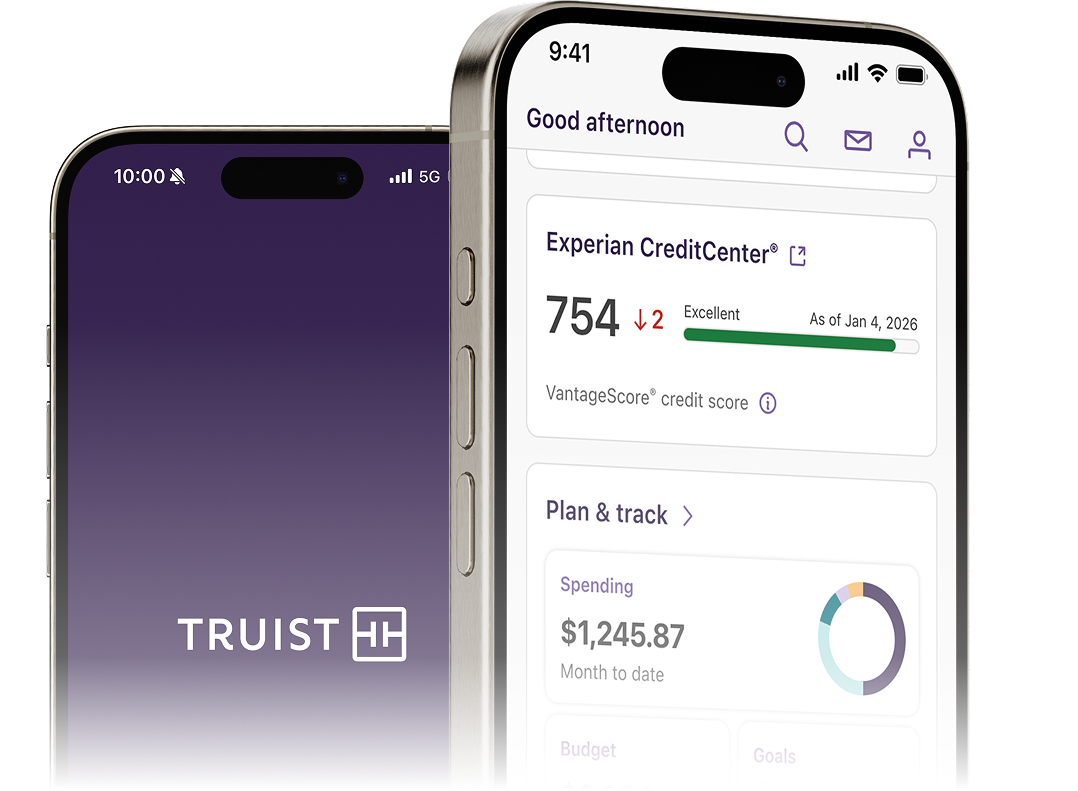
Image of Truist mobile app.
Scan to download

Scan this code with your phone’s camera to download the Truist appDisclosure 2.

QR download for the Truist mobile app.
Tap to download

Tap the button to download the Truist appDisclosure 2.

Frequently asked questions about mortgage loan transfers

Component ID : "faq-1782224187"
Model : "faq"
Position : "left"

Your escrow account will transfer over from your previous servicer. Visit our Escrow, taxes, and insurance page to view a two-minute video on how escrow works. You can also read FAQs and more. Sign up for important escrow alerts at Truist.com/Alerts.

Your escrow analysis is generally completed annually around your mortgage anniversary date. If your loan recently transferred to Truist, your first analysis may occur sooner to ensure it is completed within 12 months of the prior servicer's last escrow analysis.

Yes, you can ask your insurance company to update your policy’s mortgagee clause.

To avoid payment delays, confirm the clause is updated to:

Truist Bank ISAOA/ATIMA
P.O. Box 7952
Springfield, OH 45501

We also recommend confirming the tax and/or insurance information we have on file for you. You can sign in to online banking, select your mortgage account number, then open Account details and View additional details.

If you started an insurance claim prior to your transfer, that information will transfer to Truist. You don’t need to start over.

If you’re receiving an insurance claim check or have questions, contact Truist Loss Claims online at Insuranceclaimcheck.com or call 866-528-1567.

If you need to start a new claim, contact your insurance provider and make sure they have the correct mortgagee clause on file. This will help expedite the process.

Truist Bank ISAOA/ATIMA
P.O. Box 7952
Springfield, OH 45501

Any optional insurance premiums such as life, accidental death, disability etc. included in your payment will not transfer to Truist. If you want to continue coverage, please contact the optional insurance carrier.

If you have been approved for a loss mitigation workout or have a loss mitigation application pending review, your application and information will be transferred to Truist for continued processing. Please be advised that the transfer may extend the time needed for final processing or a decision.

Any third-party authorization with your previous servicer will not transfer over. You’ll need to reauthorize in writing. Download the form here.

If you paid more than $600 in mortgage interest during the year, you may receive a 1098 form from your previous servicer and another one from Truist.

Still have questions?

Mortgage Client Services

Call us at 800-634-7928

Hours
Monday - Friday: 8 am - 8 pm ET
Saturday: 9 am - 3 pm ET

Chat with Truist Assist

Available when you're signed in to online banking.